
iphone7plus怎么插卡 苹果iphone7plus安装sim卡图文教程
iphone7plus怎么插卡?很多果粉拿到iphone7plus后,对卡槽和装卡方法还不是很清楚,下面小编介绍苹果iphone7plus安装sim卡图文教程,一起来了解下吧!
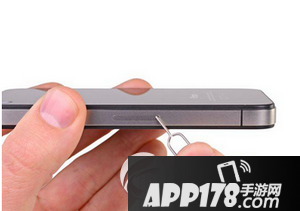
iphone7plus怎么插卡?
iphone7plus用的是Nano SIM卡,nano-SIM卡是一种手机微型卡,如果你手里只要SIM大卡,那肯定需要剪卡后才能安装进去,如果你没有Nano SIM卡,最好还是去当地的营业厅办一张。
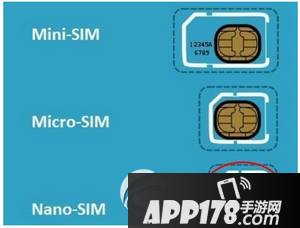
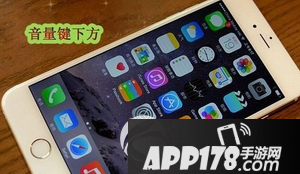
iphone7plus任然是单卡设计,卡槽位于手机右边的音量按键下方,卡槽的设计依旧是迷你卡。卡槽位置如图所示:
接下来你需要取出iphone7plus的卡拖,找到包装盒里面自带的iphone7plus小卡针,用针尖往SIM卡槽里面的小孔插进去,往里面一顶就可以顺利取出SIM卡托。
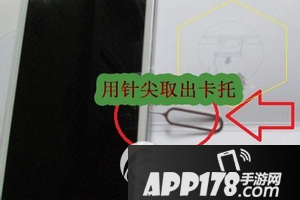
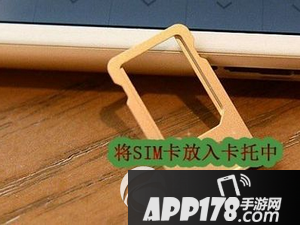
然后我们将事先准备好的SIM卡放入iphone7plus的卡托中。
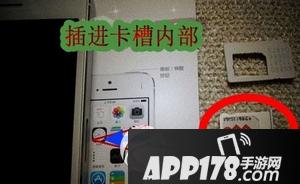
最后一步将卡槽插进iphone7plus手机卡槽内部。
相关推荐
网友评论
- 最新更新
- 热门浏览
- 新游榜
- 总排行


